
Predis.Ai Vs Followr Studio: Ultimate Content Calendar Automation Guide
In today’s digital world, content is king—but creating, organizing, and publishing content can be a real headache. Many businesses, agencies, and influencers now rely on social media automation tools to keep their online presence active and engaging. Among the most talked-about solutions are Predis.Ai and Followr Studio—two platforms offering advanced content calendar automation. But which one truly delivers the best experience for automating your social media calendar?
If you want to streamline your content planning, reduce manual work, and improve your social media results, this detailed comparison will guide you. We’ll break down each platform’s features, strengths, and weaknesses, using real examples and data. By the end, you’ll know which tool fits your needs and how to get the most out of automated content calendars.
Why Content Calendar Automation Matters
Scheduling social media content can take hours every week. Without automation, it’s easy to miss deadlines, forget important campaigns, or lose track of posts across platforms. A content calendar automation tool solves these problems by letting you:
- Plan posts in advance for every channel
- Stay consistent with brand messaging
- Reduce last-minute stress and errors
- Analyze results to improve future campaigns
For businesses and creators who want to grow online, using an automated content calendar is no longer optional—it’s essential. But not all tools are created equal. The right platform can boost your productivity, while the wrong one can cause frustration.
The Basics: What Are Predis.ai And Followr Studio?
Before we dive into the details, let’s look at what each platform offers at a glance.
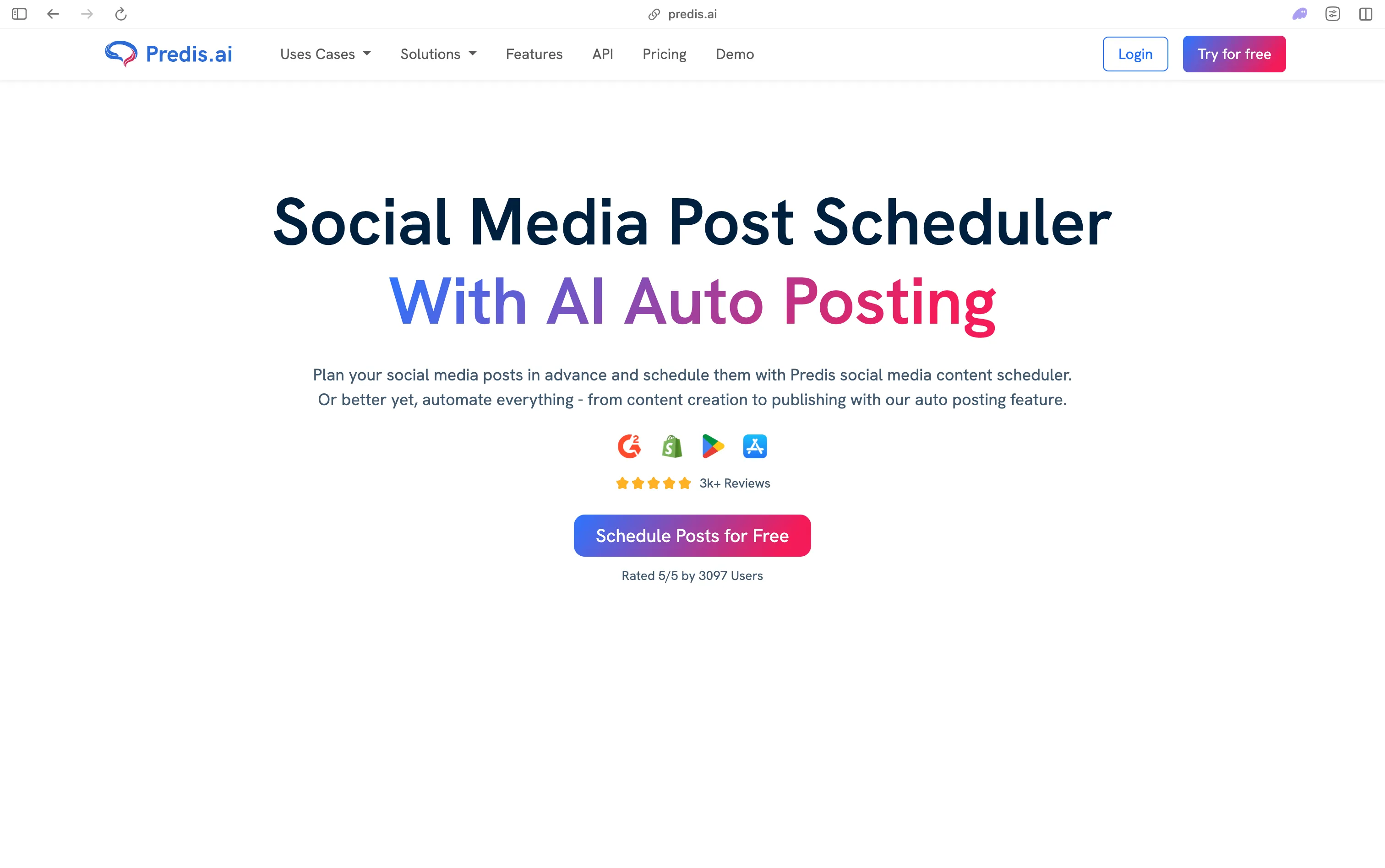
Predis.Ai is an AI-powered content creation and automation tool. Its main selling point is that it can help you generate, schedule, and analyze social media posts using artificial intelligence. It aims to save time for marketers by automating not just when, but also what you post.
Followr Studio is a comprehensive social media management platform. While it also offers automation, its core strength is in providing a unified dashboard for content planning, scheduling, analytics, and team collaboration. It’s designed for both solo creators and teams managing multiple brands.
Both promise to simplify your workflow, but the way they approach automation is quite different.

Credit: predis.ai
Core Features Comparison
To understand which tool is right for you, we need to look at what each one actually does. Here’s a side-by-side breakdown of their most important features.
| Feature | Predis.Ai | Followr Studio |
|---|---|---|
| AI Content Generation | Yes, highly advanced | Basic suggestions only |
| Multi-Channel Scheduling | Yes | Yes |
| Content Calendar Visualization | Yes (simple) | Yes (advanced) |
| Analytics and Reporting | Basic | Detailed |
| Team Collaboration | No | Yes |
| Bulk Upload/Scheduling | Limited | Yes |
| Pricing Flexibility | Subscription, limited free plan | Subscription, free trial |
| Supported Platforms | Instagram, Facebook, LinkedIn, Twitter, Google My Business | Instagram, Facebook, LinkedIn, Twitter, Pinterest, TikTok |
| Content Approval Workflow | No | Yes |
You can see that each tool has its own focus. Predis.Ai excels at AI-driven content creation, while Followr Studio stands out for team features and a robust content calendar.
Deep Dive: Predis.ai Content Calendar Automation
Predis. Ai is built on artificial intelligence. Its automation features go beyond just scheduling; the tool can generate post ideas, draft captions, design images, and even suggest hashtags.
How It Works
You start by entering your brand details and a few keywords about your topic or campaign. Predis. Ai’s engine then generates a set of post ideas, complete with captions, images, and recommended posting times. You can review, edit, or directly schedule these posts.
Key strengths:
- AI-generated content: Great for users who struggle with writer’s block or need fresh ideas.
- Quick scheduling: You can set up a week’s worth of posts in minutes.
- Platform-specific suggestions: Adjusts style and format based on whether you’re posting to Instagram, LinkedIn, etc.
Limitations:
- Content calendar view is basic: You can see posts by week or month, but it lacks drag-and-drop rescheduling.
- Team features are missing: No way to assign tasks or get approvals from others.
Example Workflow
Suppose you’re managing an online clothing store. You want to post daily on Instagram and Facebook for the next month. With Predis.Ai:
- Enter your campaign details (“Spring Sale”, key products, style).
- Let the AI suggest 30 post ideas with images and captions.
- Edit the few you don’t like.
- Schedule all posts with a click.
This process can save hours compared to doing everything manually.
Automation Intelligence
Predis. Ai’s AI doesn’t just create content. It also analyzes your past posts and suggests the best times to publish. Over time, it learns which types of content get the most engagement for your brand.
Hidden insight: Many beginners miss that you can “train” Predis.Ai by giving feedback on generated posts. The more you use it, the better it gets at matching your voice.
Credit: www.tidio.com
Deep Dive: Followr Studio Content Calendar Automation
Followr Studio takes a broader approach to automation. It’s less about generating content and more about giving you control over scheduling, team workflows, and analytics.
How It Works
You import or create your posts, drag them onto a visual calendar, and set them to publish across all your social channels. For teams, you can assign posts to different users, set approval steps, and leave comments.
Key strengths:
- Advanced calendar view: Drag-and-drop scheduling, color-coded posts, and clear overview of all content.
- Collaboration tools: Multiple team members can work together, with roles and permissions.
- Bulk scheduling: Upload dozens of posts from a CSV file or import from Google Drive.
Limitations:
- No AI content generation: You still need to create your own text and images, though you can store templates.
- Learning curve: More features mean it can take longer to get started.
Example Workflow
A digital marketing agency manages four brands. Each brand has its own social channels and team members. With Followr Studio:
- Each team member drafts posts for their assigned brand.
- Editors review and approve posts.
- Posts are scheduled visually on the calendar.
- Analytics track which posts perform best.
This workflow ensures quality and consistency, especially when many people are involved.
Automation Intelligence
Followr Studio uses “smart scheduling” to avoid posting multiple times at the same hour or day. It can also recommend the best times to post, based on your audience’s activity.
Non-obvious insight: The approval workflow is a lifesaver for agencies or brands with strict quality control. Many users don’t realize that you can set up custom workflows for each client or campaign.
Content Creation: Ai Vs. Human Touch
One of the biggest differences between Predis. Ai and Followr Studio is content creation.
Predis.Ai’s AI engine can:
- Generate text, images, and hashtags
- Suggest topics based on trends
- Personalize posts for each platform
This is perfect for small businesses or solo entrepreneurs who need help with ideas or want to save time. However, the AI sometimes produces generic content that needs editing to fit your brand’s unique voice.
Followr Studio expects you to bring your own content but gives you tools to organize and reuse it. You can:
- Store templates and brand assets
- Repurpose old posts with a click
- Use the calendar to balance post types (promotional, educational, fun, etc.)
Experience-based tip: Even if you use Predis.Ai for content generation, you may want to review every post before publishing. AI can make mistakes or miss brand-specific language.
Scheduling And Calendar Features
Let’s compare how each tool handles scheduling and content calendar visualization, since this is where automation really saves time.
| Calendar Feature | Predis.Ai | Followr Studio |
|---|---|---|
| Visual drag-and-drop | No | Yes |
| Color coding by campaign | No | Yes |
| Multi-account overview | Basic | Advanced |
| Bulk scheduling | Limited | Yes |
| Content gaps detection | No | Yes |
| Smart posting time suggestions | Yes | Yes |
For teams or agencies, Followr Studio’s calendar is much more powerful. Solo creators may find Predis. Ai’s simple view enough.
Practical advisor tip: If you often move posts around or need to see everything at a glance, choose a tool with true drag-and-drop editing.
Analytics And Reporting
Analytics are essential for improving your content strategy. Both tools offer insights, but at different levels.
Predis.Ai gives you basic metrics:
- Likes, comments, shares
- Top-performing posts
- Suggested improvements
Followr Studio goes much deeper:
- Custom reports for each brand or channel
- Engagement breakdown by time, audience, and content type
- Exportable charts for presentations
- Competitor benchmarking (see how your posts compare with others in your industry)
Here’s a quick example of what you might see in Followr Studio:
| Metric | Brand A | Brand B | Competitor Avg. |
|---|---|---|---|
| Avg. Engagement Rate | 3.2% | 2.9% | 2.4% |
| Posts per Week | 7 | 5 | 6 |
| Best Time to Post | Wed 2pm | Thu 11am | Fri 1pm |
If you just want to know which posts get the most likes, either tool will work. But if you need to report results to clients or plan data-driven strategies, Followr Studio is the clear winner.
Non-obvious tip: Many people overlook competitor benchmarking, but it’s one of the fastest ways to spot trends and improve your own content.
Supported Platforms And Integration
When choosing a content calendar tool, you need to know if it supports all the channels you use.
Predis.Ai supports:
- Google My Business
Followr Studio covers all the above, plus:
- TikTok
If you manage multiple social networks, especially visual platforms like TikTok or Pinterest, Followr Studio’s broader integration is a big advantage.
Both tools offer integrations with cloud storage (Google Drive, Dropbox) for storing images and videos. Followr Studio also lets you connect with Slack or email for team notifications.
Straight-to-the-point insight: Always check if your main platforms are supported before committing to a tool.
Team Collaboration And Approval Workflow
If you work alone, team features may not matter. But for agencies, brands, or any group with more than one person, collaboration tools are critical.
Predis.Ai is designed for individuals or very small teams. There are no built-in features for assigning roles, tracking changes, or getting approvals.
Followr Studio is built for teamwork:
- Assign posts to writers, editors, or designers
- Set approval steps so nothing goes live without a manager’s sign-off
- Track every edit or comment
You can also set up notifications to remind team members of deadlines or tasks.
Example: A global brand with a US and UK team can set up separate calendars, with different approval flows, all inside Followr Studio.
Calm expert advice: Even if your team is small now, choosing a tool with collaboration features can prevent headaches as you grow.
Pricing And Value For Money
Pricing is always a deciding factor. Here’s a direct comparison:
- Predis.Ai: Monthly subscription, with a limited free plan (usually capped at 10 posts/month). Paid plans start at about $29/month for unlimited posts.
- Followr Studio: No free plan, but a 14-day free trial. Paid plans start at $39/month for up to 5 brands and unlimited posts.
If you only need to manage one or two accounts and want AI content help, Predis. Ai is more affordable. For agencies or teams with several brands, Followr Studio’s higher price can be justified by its features.
Cost-saving insight: Many users don’t realize that annual plans can save you 20–30% compared to monthly billing.
Security And Data Privacy
Both platforms use standard encryption and secure cloud storage for your data. But there are some differences:
- Predis.Ai stores your content on its servers, with options to delete data anytime.
- Followr Studio allows custom user permissions, so you control who sees or edits your posts.
Neither platform has had major security breaches reported, but always check their terms and privacy policies.
For extra reassurance, you can review their certifications and compliance status on their websites. If you’re in a regulated industry (finance, healthcare), ask about special compliance options.
Pro tip: Always use strong passwords and enable two-factor authentication where available.
Credit: pinggy.io
Customer Support And Community
The quality of support can make a big difference, especially if you hit a technical problem close to a deadline.
- Predis.Ai offers email support, with response times averaging under 24 hours. There’s a searchable help center and video tutorials.
- Followr Studio provides live chat, email, and a dedicated account manager for premium plans. They also have a user community for sharing tips.
If you want fast, personal help, Followr Studio is generally faster and more hands-on.
Experience-based insight: Don’t underestimate the value of a strong user community—some of the best workflow tips come from other users, not official docs.
User Experience And Learning Curve
Both tools are designed to be user-friendly, but they have different learning curves.
- Predis.Ai: Easy for beginners. You can start creating and scheduling posts within minutes, thanks to the AI assistant and simple interface.
- Followr Studio: More complex, especially for advanced features like workflow automation or analytics. However, the visual calendar is intuitive once you get used to it.
If you want something you can use right away, Predis. Ai is simpler. If you’re willing to invest a bit of time for more power, Followr Studio pays off.
Beginner mistake: Jumping into advanced settings too soon. Start with basic scheduling, then add more features as you get comfortable.
Real-world Use Cases
To help you see how each tool fits different needs, here are a few real-world scenarios:
Small business owner: Needs help coming up with ideas and wants to post 2–3 times per week on Facebook and Instagram. Predis.Ai is perfect—quick, affordable, and easy to use.
Marketing agency: Manages 8 brands, each with different clients, editors, and posting rules. Needs detailed analytics and approval workflows. Followr Studio is the clear choice.
Influencer: Posts daily on Instagram, TikTok, and Pinterest. Needs to schedule content in advance and reuse old posts. Followr Studio’s broader platform support is better.
Solo freelancer: Wants to automate LinkedIn content and get suggestions for trending topics. Predis.Ai’s AI engine will save lots of time.
Common Mistakes To Avoid
Whether you choose Predis.Ai or Followr Studio, watch out for these pitfalls:
- Relying too much on automation: Even the best AI can’t replace your brand’s unique voice or creativity.
- Ignoring analytics: Posting is only half the battle—always review performance and adjust your strategy.
- Overcomplicating workflows: Start simple, then add more features as you grow.
- Forgetting to review content: Always double-check posts, especially those generated by AI.
- Not training your team: Make sure everyone knows how to use the tool, to avoid mistakes and missed posts.
Which Tool Should You Choose?
There’s no “one-size-fits-all” answer. Here’s a summary to help you decide:
- Choose Predis.Ai if you: Want fast, AI-generated content, are a solo creator or small business, and value simplicity over advanced team features.
- Choose Followr Studio if you: Need to manage multiple brands or team members, want detailed analytics, and require more control over scheduling and approval.
If you’re unsure, try the free plan or trial for each. Many users start with one, then move to the other as their needs change.
For more details on the latest social media tools, visit Influencer Marketing Hub.
Frequently Asked Questions
What Is The Main Difference Between Predis.ai And Followr Studio?
The main difference is in their approach to content automation. Predis.Ai uses AI to generate and schedule content, making it great for users who want help with ideas and fast scheduling. Followr Studio focuses on team collaboration, advanced calendar management, and detailed analytics, but expects you to provide your own content.
Can I Use These Tools For Instagram Reels And Tiktok?
Predis.Ai currently supports Instagram posts but may not fully automate Reels. Followr Studio supports both Instagram and TikTok, including video content scheduling, which is important for influencers and brands active on those platforms.
Is It Safe To Connect My Social Media Accounts To These Platforms?
Yes, both platforms use secure authentication methods and encryption. They do not store your passwords but use official APIs provided by social networks. Always use strong passwords and enable two-factor authentication for extra security.
How Much Time Can I Really Save With Content Calendar Automation?
Depending on your workload, using a tool like Predis. Ai or Followr Studio can save 5–10 hours per week. The biggest time savings come from bulk scheduling, easy rescheduling, and not having to log in to each platform separately.
Can I Switch From One Tool To The Other Later?
Yes, though you’ll need to export your data (posts, images) and set up your calendar in the new tool. Both platforms offer CSV export/import, but you may lose some analytics history. It’s best to switch during a slow period to avoid missing posts.
Choosing the right automation tool can make your social media management easier, more effective, and less stressful. The best tool is the one that fits your current needs—and can grow with you as your business expands.


About author









Add comment