
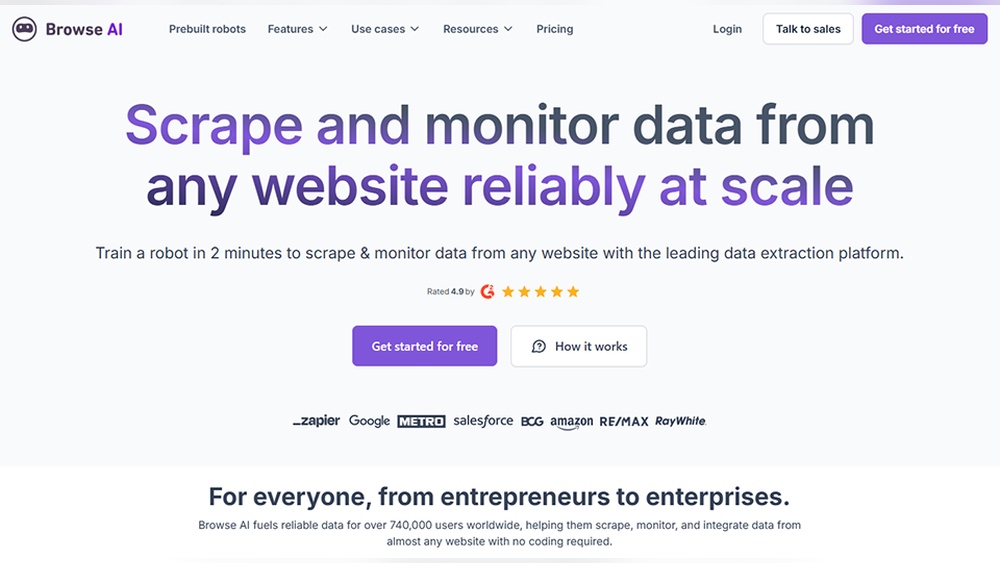
Browse Ai Data Monitoring Features: Boost Efficiency & Accuracy
In today’s digital world, data is everywhere and always changing. For businesses, researchers, and organizations, keeping track of this data is critical. Missing even a small update can mean lost opportunities or outdated information. This is where Browse AI steps in. Browse AI is an advanced tool designed to help people monitor, extract, and manage web data with little effort. Its data monitoring features are especially popular among users who need to stay updated in real time.
But what exactly makes Browse AI’s data monitoring tools different? How does it help teams save time and reduce mistakes? If you want to understand how this platform works and what it offers, you’re in the right place. Let’s dive deep into the features, benefits, limitations, and unique insights about Browse AI’s data monitoring capabilities.
What Is Browse Ai And Why Data Monitoring Matters
Data monitoring means watching changes in data over time. This can be anything from tracking product prices, following news updates, or checking job postings. Doing this by hand is slow and often impossible with large websites or fast changes.
Browse AI is a no-code automation tool that lets you extract and monitor web data without any programming knowledge. With easy setup, users can create bots that watch specific web pages and alert them to changes. This helps companies react faster, stay competitive, and reduce manual work.
Why Choose Automated Data Monitoring?
- Saves Time: No need to check websites manually every day.
- Accuracy: Automation reduces human error.
- Speed: Instant alerts mean you never miss key updates.
- Scalability: Track hundreds of pages at once.
Manual data monitoring often leads to missed updates and wasted hours. Automated solutions like Browse AI handle these tasks with high speed and reliability.
Key Data Monitoring Features Of Browse Ai
Browse AI offers a range of features that make web data monitoring simple but powerful. Below are the core capabilities that attract both beginners and experts.
Visual Bot Builder
The visual bot builder is at the heart of Browse AI. Instead of writing code, users interact with web pages directly to teach the bot what to look for. This makes setup quick—even for those who have never coded before.
- Point-and-click interface: Just click on the data you want to track.
- No coding required: Perfect for marketers, analysts, and managers.
- Supports most websites: Works on e-commerce, news, social media, and more.
Scheduled Monitoring
Browse AI lets you set how often your data is checked. This is known as scheduled monitoring.
- Flexible schedules: Choose hourly, daily, or custom intervals.
- Immediate alerts: Get notified as soon as changes happen.
- Resource control: Avoid overloading websites by adjusting frequency.
Change Detection And Alerts
One of the most useful features is change detection. Browse AI compares old and new data, then highlights what’s different.
- Email notifications: Receive updates when data changes.
- Webhooks and integrations: Connect to Slack, Zapier, or other apps.
- Visual highlights: See exactly what changed on the page.
Example Use Case
A retailer tracks competitor prices. When a competitor drops their price, Browse AI sends an alert, helping the retailer respond quickly.
Data Extraction And Export
Extracted data is only useful if you can use it. Browse AI makes it easy to export data in formats like CSV, Excel, or JSON.
- Bulk exports: Download large datasets in one click.
- API access: Send data to your own systems automatically.
- Historical logs: Keep records of past data for analysis.
Multiple Page And List Monitoring
Many websites spread data across several pages. Browse AI can move through multiple pages and handle lists, making it perfect for:
- E-commerce sites: Track hundreds of products.
- Job boards: Monitor new postings.
- News sites: Catch the latest headlines.
Captcha And Anti-bot Handling
Some websites try to block bots. Browse AI has smart features to handle CAPTCHA and avoid being blocked.
- Captcha solutions: Built-in workarounds for common blocks.
- IP rotation: Change IP addresses to avoid bans.
- Human-like browsing: Mimics real users to reduce detection.
Integration With Other Tools
Browse AI connects easily with other apps, which is key for automating workflows.
- Zapier integration: Connect to 5,000+ apps.
- Google Sheets/Excel: Auto-update spreadsheets.
- Custom API: Push data to your own software.
Team And Collaboration Features
For organizations, team collaboration matters. Browse AI supports:
- Shared projects: Multiple users can view or edit bots.
- Roles and permissions: Control who can change or access data.
- Activity logs: See who did what and when.
Data Security And Privacy
Data protection is a top concern. Browse AI uses:
- Encryption: Keeps your data safe in transit and at rest.
- Access controls: Only approved users can view sensitive data.
- Compliance: Follows major privacy laws like GDPR.
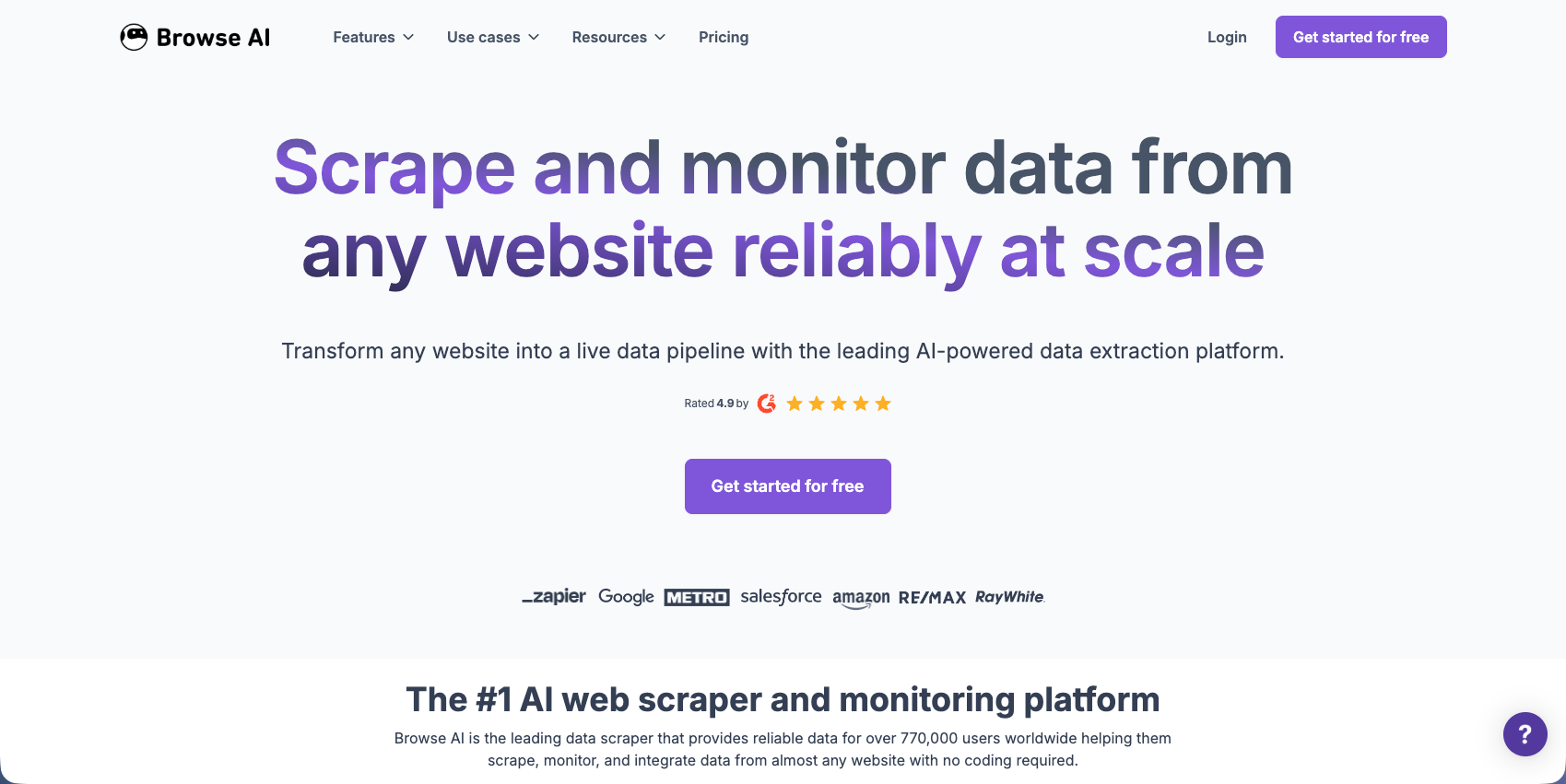
Credit: www.skyvern.com
How Browse Ai’s Data Monitoring Works In Practice
Understanding the features is useful, but seeing how they work together is even more important. Here’s a step-by-step overview of a typical monitoring setup.
Step 1: Select A Web Page
Start by entering the URL of the page you want to monitor. Browse AI loads the page in its visual builder.
Step 2: Train Your Bot
Point and click on the elements you want to track. For example, select prices, product names, or availability. The bot learns what data to watch.
Step 3: Set Your Monitoring Schedule
Decide how often you want updates. For fast-moving data, set checks every hour. For slower updates, daily or weekly may be enough.
Step 4: Configure Alerts And Integrations
Choose how you want to be notified. Email is the simplest. For advanced setups, use webhooks or connect to apps like Slack.
Step 5: Start Monitoring
Once your bot is ready, Browse AI runs checks automatically. When data changes, you’ll get alerts and can export the results.
Example: Monitoring Product Prices
Suppose you run an online store and want to watch your competitors’ prices for 100 products. With Browse AI:
- Set up a bot to track each product page.
- Schedule hourly checks.
- Get notified when any price drops.
- Export all data to a spreadsheet for review.
This level of automation is nearly impossible by hand, especially at scale.
Comparing Browse Ai’s Monitoring Features To Other Tools
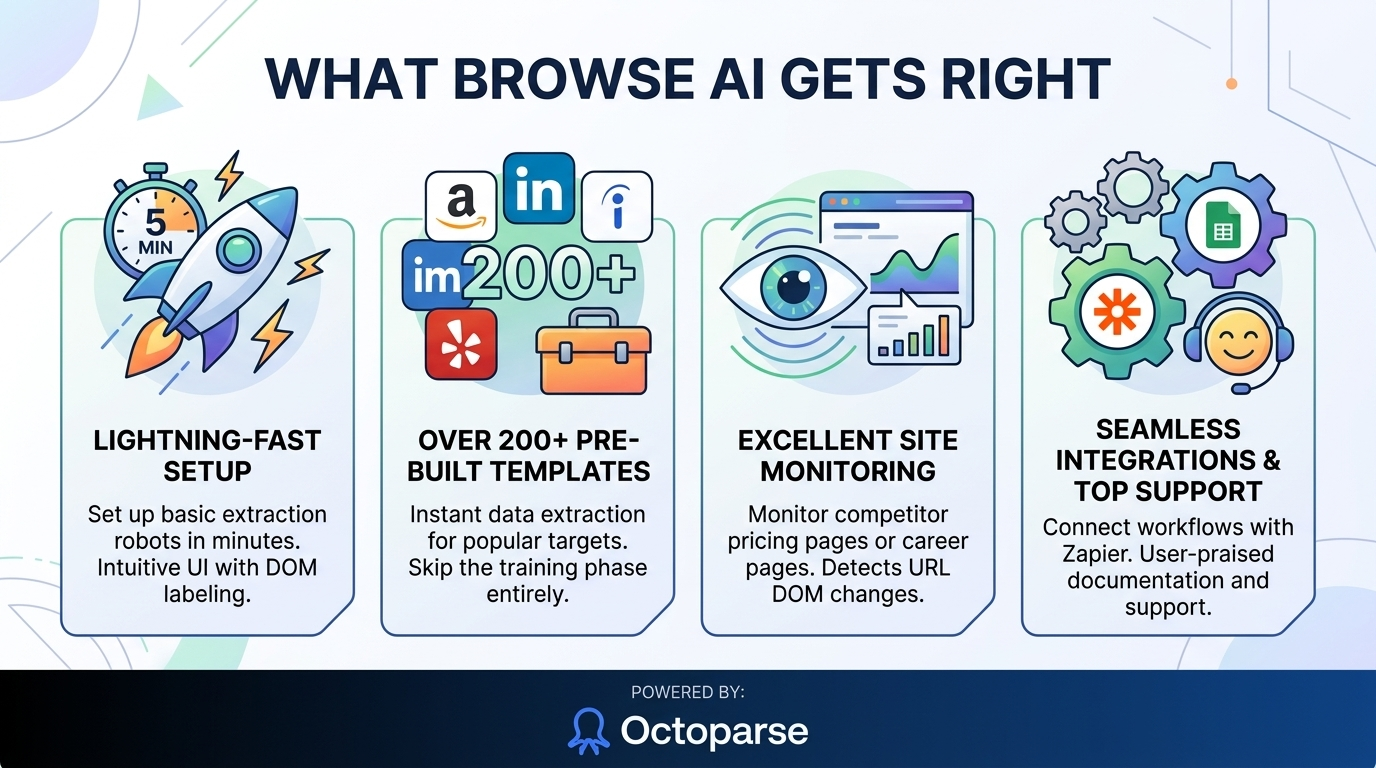
There are many data monitoring tools available. How does Browse AI stand out? Here’s a comparison with two popular alternatives: Octoparse and ParseHub.
| Feature | Browse AI | Octoparse | ParseHub |
|---|---|---|---|
| No-code Visual Builder | Yes | Yes | Yes |
| Change Detection & Alerts | Yes | Limited | No |
| Scheduled Monitoring | Flexible | Fixed Intervals | Fixed Intervals |
| API & Integration | Strong (Zapier, Webhook) | API only | API only |
| Team Collaboration | Yes | No | Limited |
| Anti-Bot/CAPTCHA Handling | Advanced | Basic | Basic |
| Data Export Options | CSV, Excel, JSON | CSV, Excel | CSV, Excel, JSON |
As shown above, Browse AI is especially strong in change detection, flexible scheduling, and integrations. Its team features also set it apart for businesses.
Credit: www.octoparse.com
Real-world Applications Of Browse Ai Data Monitoring
Browse AI’s monitoring tools are used in many industries. Let’s look at some specific examples.
E-commerce Price Tracking
Online stores use Browse AI to track competitor prices and stock. Instant alerts help them adjust prices and stay competitive.
Example: A retailer tracks 500 products across 10 competitor websites. When a competitor lowers a price, the retailer’s team is notified within minutes and can respond quickly.
Job Market Analysis
HR teams and recruiters monitor job boards for new postings or changing trends. Browse AI collects this data automatically.
Example: A tech company monitors 15 job boards for software engineer postings in real time. This helps them spot talent trends and competitor hiring.
News And Media Monitoring
Journalists and PR teams keep an eye on news sites and press releases for breaking stories or mentions.
Example: A PR agency sets up bots to watch for any mention of their client’s brand on major news sites. They get instant alerts when something new appears.
Investment And Finance
Investors use Browse AI to monitor financial news, stock market changes, or regulatory updates.
Example: An analyst tracks updates on SEC filings and new IPO listings, receiving alerts as soon as relevant documents are published.
Academic Research
Researchers collect data from academic journals or government sites for studies and reports.
Example: A researcher monitors updates to a government database of environmental policies, extracting new data daily for analysis.
Advanced Features And Insights
While most users focus on basic monitoring, Browse AI also offers advanced features that can make a big difference for power users.
Workflow Automation
Browse AI’s integrations let you build automated workflows. For example:
- New data triggers a Slack message to your team.
- Extracted info auto-populates a Google Sheet.
- Changes in product listings start a marketing campaign.
This level of automation saves hours and reduces manual mistakes.
Smart Data Structuring
When extracting data from complex pages, Browse AI can organize it into clear tables. This is especially useful for:
- Product catalogs
- Event listings
- Multi-level directories
Handling Dynamic And Javascript-heavy Sites
Some websites load data with JavaScript, making extraction harder. Browse AI is designed to:
- Interact with dynamic content
- Wait for elements to load before extracting
- Handle infinite scrolling pages
This means fewer missed updates and more accurate data.
Comparing Large Data Sets
Browse AI can compare large sets of data over time. For example, tracking changes in thousands of product listings or stock prices.
| Function | Browse AI | Manual Monitoring |
|---|---|---|
| Speed | Minutes for large data | Hours or days |
| Accuracy | High, no fatigue | Lower, prone to error |
| Cost | Scalable, fixed | Increases with scale |
| Update Frequency | Hourly or less | Daily at best |
Non-obvious Insight 1: Handling Shifting Page Structures
Many beginners don’t realize that websites often change their layout. This breaks simple scrapers. Browse AI’s bots are more flexible—they use context and visual cues to keep working, even if the page design changes a bit. Still, big changes may require retraining the bot, but it’s much faster than starting from scratch.
Non-obvious Insight 2: Monitoring Hidden Or Logged-in Data
Some important data is only visible after logging in. Browse AI can handle sites that require authentication, so you can monitor private dashboards, account pages, or members-only content. Just be sure to follow legal guidelines and terms of use.
Limitations And Things To Watch Out For
No tool is perfect. Understanding Browse AI’s limits helps set the right expectations.
Not All Sites Allow Scraping
Some websites have terms that block bots or scraping. Always review site rules before setting up monitoring. Ignoring this can lead to legal trouble or account bans.
Heavy Anti-bot Protection
Sites with advanced anti-bot systems (like heavy CAPTCHAs or fingerprinting) may still block Browse AI, even with its smart features. In these cases, human review or specialized tools may be needed.
Cost At Scale
While Browse AI is affordable for small projects, monitoring thousands of pages can get expensive. Watch your usage and choose the right plan for your needs.
False Positives
Sometimes, small changes (like ad banners or dates) trigger alerts even if the main data is the same. Careful bot setup can reduce these, but not always eliminate them.
Data Privacy Risks
Storing or sharing sensitive data can create privacy risks. Always secure your data and limit access to trusted team members.
Tips For Getting The Most From Browse Ai Data Monitoring
To maximize value, follow these best practices:
- Define clear goals: Know what data matters most to your business.
- Start small: Test on a few pages, then scale up.
- Check alerts regularly: Don’t ignore notifications—act on them quickly.
- Fine-tune bot settings: Exclude non-essential page elements to avoid false alerts.
- Monitor usage: Track credits and costs if you’re watching many pages.
- Retrain bots after major site changes: Keep your bots up to date.
- Stay legal: Always follow website rules and privacy laws.
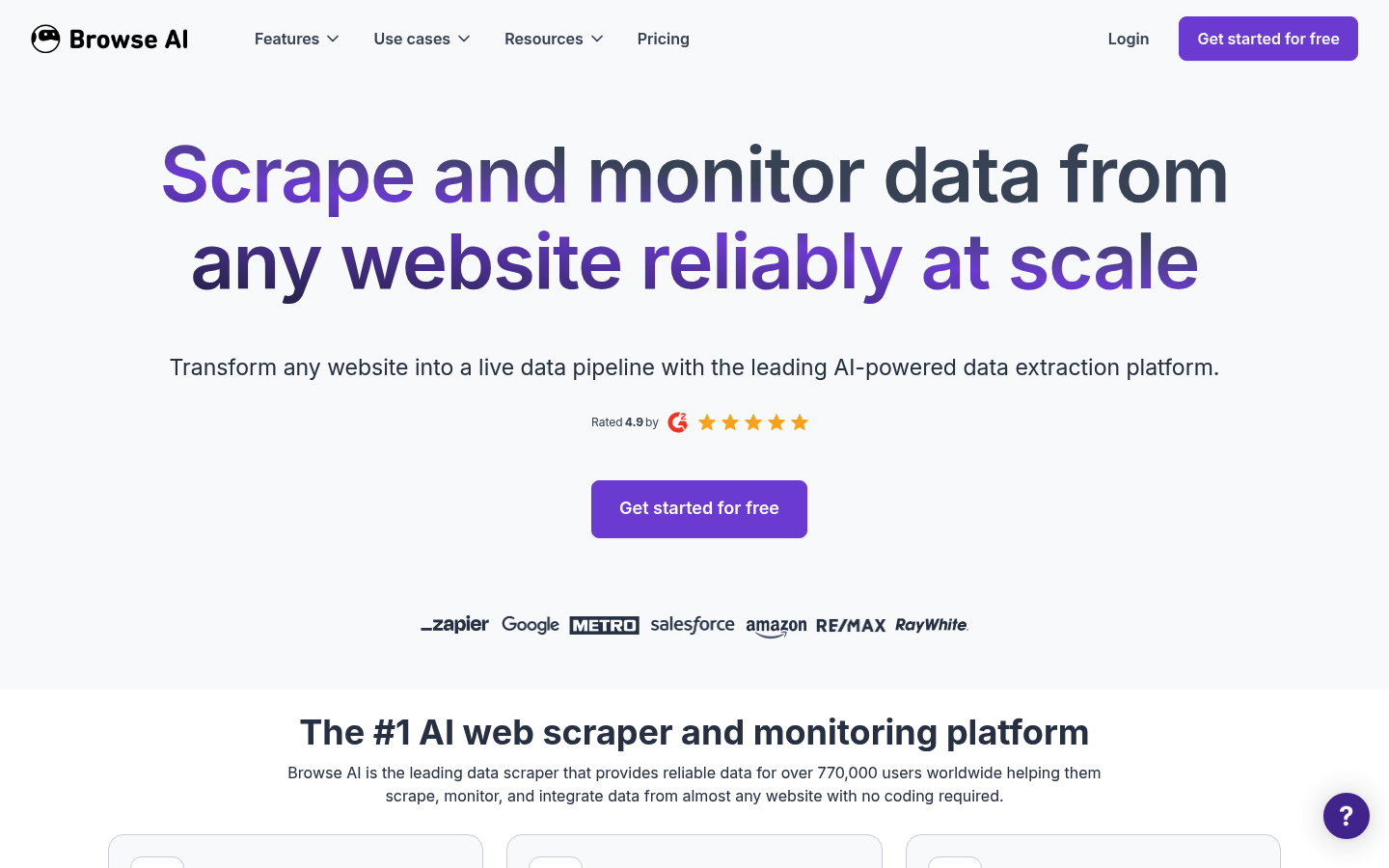
Credit: brightdata.com
Latest Updates And The Road Ahead
Browse AI is always adding new features. Recent updates include:
- Improved anti-bot detection: Better handling of tricky websites.
- Advanced scheduling: More flexible monitoring times.
- Enhanced team controls: Easier sharing and permissions.
- Better data exports: Cleaner CSV and Excel files.
Looking ahead, expect more AI-powered features, such as:
- Automatic retraining when web pages change
- Smarter alert filters to reduce noise
- More integrations with business tools
Browse AI’s team listens to feedback, so users can suggest features or improvements. For the latest developments, check the official Browse AI website.
Frequently Asked Questions
What Types Of Websites Can Browse Ai Monitor?
Browse AI can monitor most public websites, including e-commerce, news, job boards, social media, and more. It also supports sites that require login, as long as you provide the needed credentials. However, some sites with strong anti-bot protections or strict terms may be difficult or risky to monitor.
How Does Browse Ai Handle Websites With Changing Layouts?
Browse AI uses visual cues to identify data, making it more flexible than basic scrapers. If a site’s structure changes slightly, the bot often still works. For major layout changes, you may need to retrain your bot. The process is quick—usually only a few minutes.
Is It Legal To Monitor Data With Browse Ai?
Monitoring public data is usually legal, but each website has its own rules. Always check the site’s terms of service and privacy policy. Avoid scraping sites that ban bots or require special permission. For sensitive or private data, get legal advice if unsure.
Can Browse Ai Monitor Data Behind Logins Or Paywalls?
Yes, Browse AI can log in to websites using your credentials. This allows you to monitor data behind logins, such as account pages or dashboards. Be careful—never share your login with untrusted parties, and respect the site’s rules.
How Does Browse Ai Compare To Other Monitoring Tools?
Browse AI stands out with its simple setup, strong integrations, and real-time change alerts. While other tools like Octoparse and ParseHub offer similar extraction features, Browse AI’s monitoring, team collaboration, and anti-bot handling are often more advanced. For more, see industry reviews or check the Wikipedia page on web scraping.
As data changes faster every day, tools like Browse AI become essential for staying informed and competitive. By understanding its features, strengths, and limits, you can turn web data into a real advantage for your team or business. Whether you’re tracking prices, news, jobs, or research, smart data monitoring puts you ahead of the curve.


About author









Add comment