
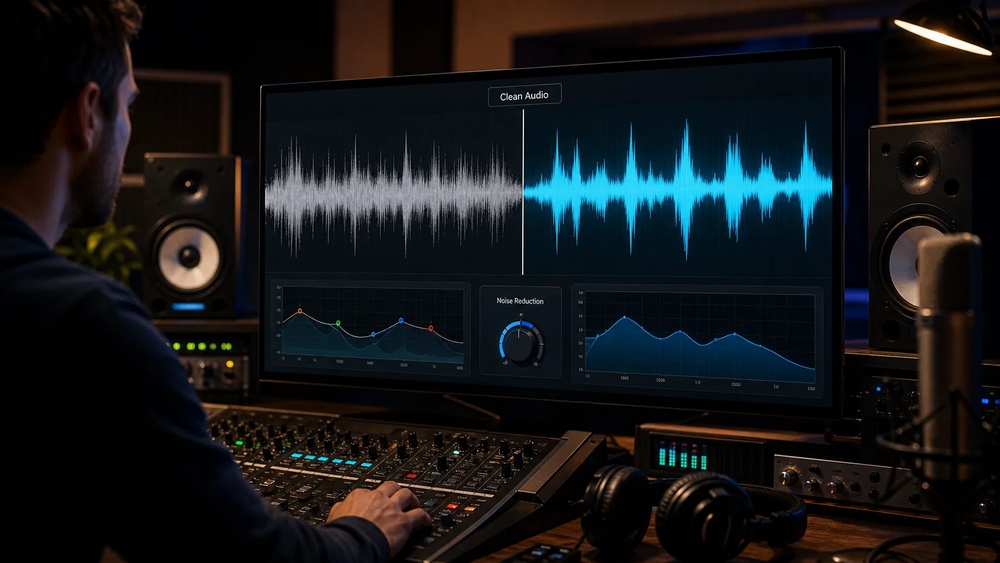
Best AI Sound Enhancers for Video Recording: Top Picks 2026
Capturing high-quality audio is just as important as crisp video when recording. Many creators, from YouTubers to filmmakers, face problems like background noise, echo, or unclear voices. These issues can make even the best visuals feel less professional. Today, AI sound enhancers are changing the way videos sound. They use smart algorithms to clean, boost, and balance audio automatically. If you record interviews, tutorials, or vlogs, these tools can save time and improve your final product. This guide covers the best AI sound enhancers for video recording, showing how each can help your videos sound clear and polished, even if you’re not an audio expert.
Why Audio Quality Matters In Video Recording
Good audio is more than just a technical detail. It shapes how viewers feel about your content. Research shows that people tolerate poor video but dislike bad audio. A study by the BBC found viewers are 25% more likely to stop watching a video with unclear audio, even if the visuals look perfect.
If speech is hard to hear or background noise is distracting, your message loses impact.
AI sound enhancers are popular because they solve common problems quickly. They can remove hums, echoes, and street noise without expensive equipment or hours of editing. For creators working alone or with small teams, this technology makes professional sound possible.
How Ai Sound Enhancers Work
AI sound enhancers use machine learning to analyze audio. They compare your recording to thousands of examples and learn what “good” and “bad” sounds like. The software can identify voices, separate them from noise, and fix issues like reverb or muffled speech. Some tools operate in real time, while others process audio after recording.
Here’s a simple breakdown:
- Noise reduction: Removes unwanted sounds like air conditioners or cars.
- Voice isolation: Boosts speech, making it clearer.
- Reverb removal: Reduces echo from rooms.
- Auto-leveling: Balances loud and soft parts for smooth listening.
Most AI sound enhancers require little setup. You upload your audio or connect your microphone, and the software does the rest. Some even work inside video editing apps, saving extra steps.
Top 10 Ai Sound Enhancers For Video Recording
Choosing the right tool depends on your budget, workflow, and audio needs. Below are the ten best AI sound enhancers, with details on what makes each unique.
1. Adobe Podcast (enhance Speech)
Adobe Podcast’s Enhance Speech is a favorite among podcasters and video creators. The tool uses advanced AI to clean up voices and remove background noise. You upload your audio, and it returns a studio-quality file.
Features:
- Removes background noise and hums
- Improves speech clarity
- Works online, no software install
Pros:
- Free for basic use
- Simple interface
- Quick results
Cons:
- Limited editing options
- Only works with speech, not music
Example: Creators often use Adobe Podcast to fix interviews recorded in noisy coffee shops. The AI makes voices sound as if recorded in a studio.
2. Krisp
Krisp is popular for live video calls and recordings. It uses AI to filter out background noise in real time. This is useful for creators who record in busy environments.
Features:
- Real-time noise cancellation
- Works with popular apps like Zoom and OBS
- Voice isolation
Pros:
- Instant results
- Easy setup
- Works on Windows and Mac
Cons:
- Paid subscription for advanced features
- May slightly alter voice tone
Statistics: Krisp claims to remove up to 90% of ambient noise, making it ideal for remote work and interviews.
3. Auphonic
Auphonic is trusted by professionals for post-production audio polishing. Its AI algorithms balance levels, reduce noise, and improve speech. It supports many file formats and integrates with video editors.
Features:
- Automatic leveling
- Noise and hum reduction
- Batch processing
Pros:
- Supports multiple audio tracks
- Works with video files
- Affordable pricing
Cons:
- Post-processing only
- Requires file upload
Tip: Use Auphonic after recording to fix common mistakes, like uneven volume between speakers.
4. Dolby.io
Dolby. io brings Dolby’s legendary audio tech to video creators. Its AI tools clean up audio and enhance voice clarity. It works online and offers APIs for developers.
Features:
- Studio-grade noise removal
- Voice enhancement
- API integration
Pros:
- Trusted brand
- High-quality results
- Flexible for teams
Cons:
- Requires account setup
- Not free
Data: Dolby.io’s AI can increase speech intelligibility by up to 40% in noisy environments.
5. Nvidia Rtx Voice
NVIDIA RTX Voice uses AI for real-time noise removal. It’s especially useful for gamers and streamers, but video creators use it to capture clean audio during recording.
Features:
- Real-time noise cancellation
- Works with any microphone
- Compatible with Windows
Pros:
- Free for RTX GPU owners
- High performance
Cons:
- Requires RTX graphics card
- Windows only
Example: Many YouTubers use RTX Voice to record commentary without worrying about keyboard or fan noise.
6. Descript Studio Sound
Descript Studio Sound is built into the Descript editing platform. It uses AI to transform poor audio into studio-quality sound, even from phone recordings.
Features:
- AI-powered sound enhancement
- Built-in editing tools
- Works with video and audio files
Pros:
- Easy for beginners
- Fast processing
- Editing and enhancement in one app
Cons:
- Subscription required for full features
- Limited export options
Tip: Use Descript to clean and edit your podcast and video audio in one workflow.
7. Cleanvoice Ai
Cleanvoice AI focuses on removing filler words, stutters, and background noise. It’s helpful for creators who want polished, professional audio with minimal editing.
Features:
- Removes “uh,” “um,” and stutters
- Noise and echo reduction
- Multilingual support
Pros:
- Saves editing time
- Simple web interface
Cons:
- Post-processing only
- Limited free usage
Non-obvious Insight: Cleanvoice AI can help non-native speakers by removing distracting filler words, making speech easier to understand.
8. Lalal.ai
LALAL. AI specializes in separating vocals from background audio. While often used for music, it helps video creators isolate speech from noisy environments.
Features:
- AI-powered stem separation
- Supports audio and video files
- Fast processing
Pros:
- Unique voice isolation
- Works with complex audio
Cons:
- Limited editing tools
- Paid plans for full features
Example: Use LALAL.AI to pull clear speech from a video recorded on a busy street.
9. Audionamix Xtrax Stems
Audionamix XTRAX STEMS uses AI to split audio into separate tracks: vocals, drums, and music. This is useful for creators who want to remove music or noise from speech recordings.
Features:
- Stem separation
- Works with video and audio
- Supports multiple formats
Pros:
- Flexible for music and speech
- High accuracy
Cons:
- Requires software download
- Paid license
Tip: Use XTRAX STEMS to clean audio interviews recorded with background music.
10. Izotope Rx
IZotope RX is an industry-standard for audio repair. Its AI tools fix clicks, hums, and background noise. It’s used by film studios and video editors for high-end projects.
Features:
- AI-powered noise removal
- De-reverb and de-click tools
- Advanced editing
Pros:
- Professional results
- Flexible for all audio issues
Cons:
- Steep learning curve
- Expensive
Data: iZotope RX is used in over 50% of major film productions for audio cleanup.
Comparing Ai Sound Enhancers
To help you choose, here’s a comparison of the most important features across these tools:
| Enhancer | Real-Time | Noise Removal | Voice Isolation | Auto-Leveling | Price Range |
|---|---|---|---|---|---|
| Adobe Podcast | No | Yes | Yes | No | Free/Paid |
| Krisp | Yes | Yes | Yes | No | Paid |
| Auphonic | No | Yes | No | Yes | Affordable |
| Dolby.io | No | Yes | Yes | No | Paid |
| NVIDIA RTX Voice | Yes | Yes | No | No | Free |
| Descript Studio Sound | No | Yes | Yes | Yes | Paid |
| Cleanvoice AI | No | Yes | No | No | Free/Paid |
| LALAL.AI | No | Partial | Yes | No | Paid |
| Audionamix XTRAX STEMS | No | Partial | Yes | No | Paid |
| iZotope RX | No | Yes | No | Yes | Expensive |
Choosing The Right Ai Sound Enhancer
Picking the best sound enhancer depends on your needs. Here are key factors to consider:
Workflow Integration
If you record live videos or stream, tools like Krisp or NVIDIA RTX Voice are ideal. They clean audio in real time, so you don’t need extra editing. For post-production, Auphonic, Adobe Podcast, or iZotope RX offer more control.
Audio Type
Some tools are best for speech, others for music or mixed audio. Adobe Podcast and Descript Studio Sound focus on voices, while LALAL.AI and Audionamix XTRAX STEMS can separate vocals from music.
Price
Budget matters. Free or affordable options like NVIDIA RTX Voice, Auphonic, and Adobe Podcast are great for beginners. High-end tools like iZotope RX deliver pro results but cost more.
Ease Of Use
If you’re new to audio editing, choose tools with simple interfaces, such as Cleanvoice AI or Descript Studio Sound. Advanced options like iZotope RX require learning but offer deep control.
Common Mistakes When Choosing
- Ignoring compatibility: Some enhancers work only with specific operating systems or hardware. Check before buying.
- Over-editing: Too much noise removal can make voices sound unnatural. Find a balance.
- Skipping a test run: Try free demos to see if the tool fits your workflow.
Real-world Examples Of Ai Audio Enhancement
Creators are already using these tools to solve tough audio problems. Here are some practical cases:
Interview In A Noisy Environment
A documentary filmmaker recorded an interview in a busy market. Background noise made the speech unclear. By running the audio through Dolby.io, the filmmaker achieved clear voice while keeping some ambient sound for atmosphere.
Remote Podcast Recording
A podcaster recorded a guest over Zoom. The guest’s microphone picked up room echo and street noise. Using Auphonic and Descript Studio Sound, the host removed echo, balanced levels, and produced a professional episode.
Gaming Commentary
A gamer streamed live while his PC fans were loud. With NVIDIA RTX Voice, the AI filtered out fan noise, letting viewers focus on his voice.
Multilingual Video Production
A YouTuber recorded in both English and French. Cleanvoice AI helped remove filler words and stutters in both languages, making the video easier for global viewers to understand.
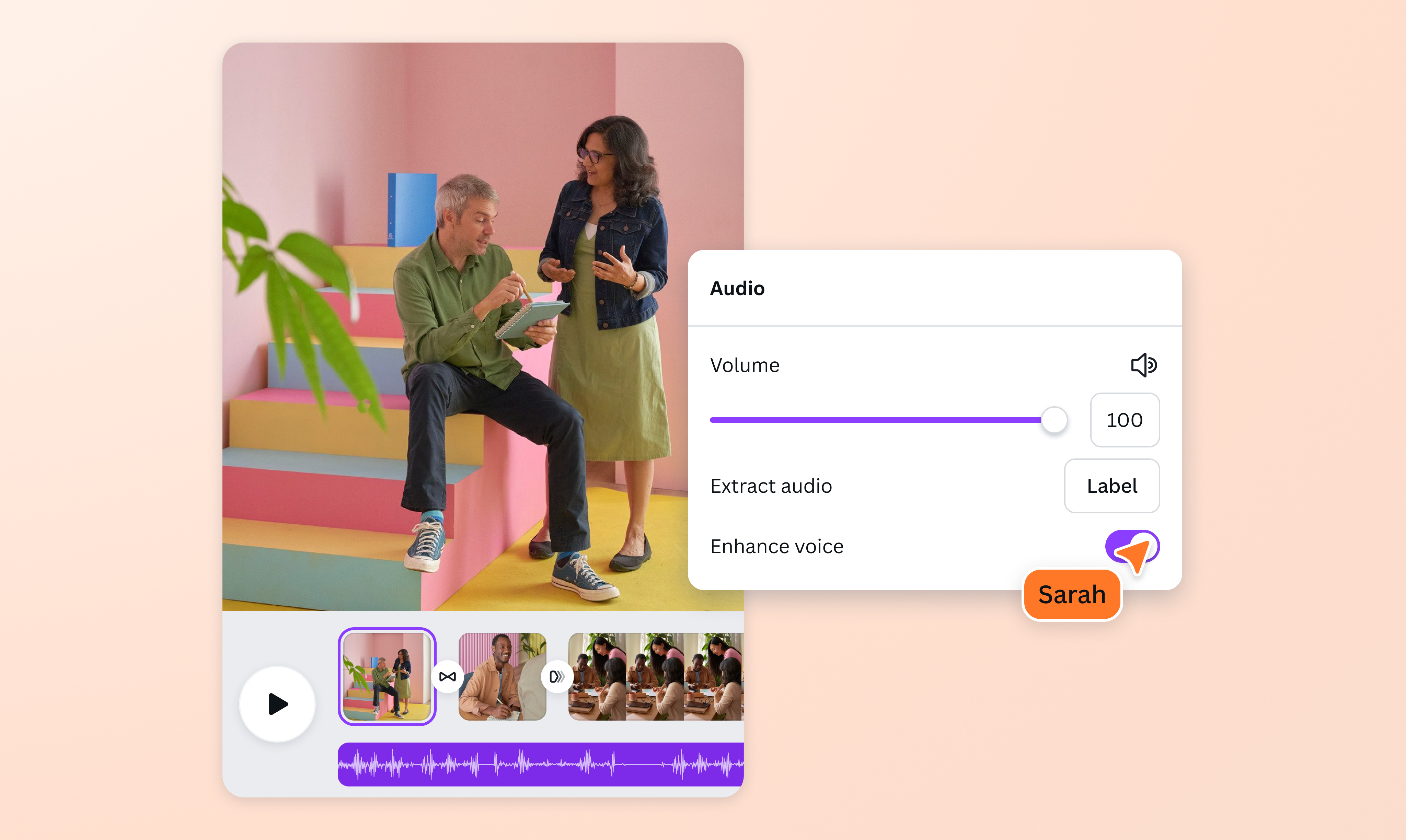
Credit: www.canva.com
Data: Ai Audio Enhancers In Numbers
AI-powered audio tools are getting more popular every year. In 2026, industry reports showed:
- Over 60% of video creators use AI audio tools regularly.
- 90% of podcasters say AI sound enhancers save them at least 2 hours per episode.
- YouTube videos with clear audio have 35% higher viewer retention compared to those with poor audio.
These numbers show the real impact AI audio tools have on content quality and audience engagement.
Advanced Features And Hidden Benefits
Many beginners miss advanced options that can make a big difference.
Batch Processing
Some tools, like Auphonic and iZotope RX, can process many files at once. If you record lots of videos, batch processing saves time.
Multilingual Support
Tools such as Cleanvoice AI and Dolby.io handle different languages. This is helpful if your content targets a global audience.
Api Integration
For teams or developers, APIs from Dolby.io or Auphonic allow you to build audio enhancement into your own apps or workflow.
Table: Advanced Features Comparison
| Enhancer | Batch Processing | Multilingual | API Support |
|---|---|---|---|
| Adobe Podcast | No | No | No |
| Auphonic | Yes | Yes | Yes |
| Dolby.io | Yes | Yes | Yes |
| Cleanvoice AI | No | Yes | No |
| iZotope RX | Yes | No | No |
Credit: unifab.ai
Practical Tips For Using Ai Sound Enhancers
Even with AI, a few simple habits can make your audio much better:
- Record in a quiet place: AI can help, but starting with clean audio gives the best results.
- Use a decent microphone: AI enhancers work better with clear input.
- Test your settings: Try different tools and settings to find what sounds best.
- Check for artifacts: After enhancement, listen for strange sounds or robotic voices.
- Save originals: Keep your raw files in case you need to redo the enhancement.
Non-obvious Insight: Sometimes, AI can remove important ambient sounds that add character to your video. Keep a version with and without enhancement to compare.
Ai Sound Enhancement: What’s Next?
AI audio tools are evolving fast. Soon, they will handle even more complex tasks, like fixing overlapping voices or adjusting audio for different platforms automatically. For creators, this means less time editing and more time producing new content.
Data: The AI audio market is expected to grow by 15% per year, reaching over $2 billion by 2026. New features like emotion detection and automatic translation are already in development.
Credit: www.capcut.com
How To Get Started
If you’re new to AI sound enhancement, start with free tools like Adobe Podcast or NVIDIA RTX Voice. Try short recordings and listen to the results. Once you’re comfortable, move to more advanced options like Auphonic or iZotope RX for bigger projects.
For more detailed information on AI audio technologies and their impact, visit Wikipedia’s Artificial Intelligence page.
Frequently Asked Questions
What Is An Ai Sound Enhancer?
An AI sound enhancer is software that uses artificial intelligence to improve audio quality. It removes noise, boosts speech clarity, and can balance volume automatically. These tools are easy to use and make audio sound more professional.
Can Ai Sound Enhancers Fix Bad Recordings?
AI enhancers can improve many problems, like background noise or echo. However, they can’t fix everything. If the original recording is very poor or speech is too quiet, results may still be limited. Always try to record clean audio first.
Are Ai Sound Enhancers Expensive?
Some AI audio tools are free or low-cost, like Adobe Podcast and NVIDIA RTX Voice. Others, such as iZotope RX, are more expensive but offer advanced features. There are options for every budget.
Do Ai Sound Enhancers Work In Real Time?
Yes, some tools like Krisp and NVIDIA RTX Voice work live, cleaning audio as you record. Others process audio after recording, like Auphonic or Adobe Podcast. Choose based on your workflow.
Will Ai Sound Enhancers Change My Voice?
AI tools can sometimes slightly alter voice tone, especially if noise removal is strong. Most modern enhancers aim to keep voices natural. Always test the tool and listen for changes before finalizing your video.
AI sound enhancers are now essential for anyone recording video. They make audio clearer, cleaner, and more professional, even if you don’t have technical skills. With many options available, you can find a tool that fits your needs and budget.
As AI evolves, expect even better audio quality and easier workflows. Your viewers will notice the difference—and your content will stand out.


About author









Add comment