

Best Ai Prospecting Tools for Local Business Leads That Work
Every local business owner knows how important it is to find new customers. But prospecting—finding those leads—is hard work. It takes time, effort, and often feels overwhelming, especially with limited staff or budget. That’s where AI prospecting tools come in. These smart tools can help local businesses find the right leads, faster and more efficiently than old-school methods. But with so many options out there, how do you pick the best for your business?
This guide dives deep into the world of AI prospecting tools, focusing on solutions ideal for local business leads. We’ll look at the best platforms, compare their features, explain how they work, and share tips for making them truly effective. Whether you run a small shop, a service company, or a franchise, you’ll learn how to use modern technology to fill your pipeline with real, local prospects—without wasting time or money. Plus, we’ll answer common questions and clear up misconceptions, so you can move forward with confidence.
Why Ai Prospecting Tools Matter For Local Businesses
Local businesses often survive—or thrive—based on their ability to reach people nearby. Traditional marketing, like flyers or cold calling, can work, but it’s slow and unpredictable. AI prospecting tools change the game by:
- Finding leads automatically: AI scans huge databases, social media, and online directories to spot people or companies likely to need your service.
- Saving time: No more manual searching or spreadsheet headaches.
- Improving targeting: AI tools can filter by location, interests, or even recent behaviors—finding people who are most likely to buy.
- Personalizing outreach: Some tools can write custom emails or messages tailored to each lead.
Recent research shows that companies using AI for lead generation see up to 50% higher conversion rates compared to traditional prospecting. That means more customers, faster.
How Ai Prospecting Tools Work
Understanding how these tools operate helps you choose wisely and get the most out of your investment. In simple terms, AI prospecting tools combine data mining, machine learning, and automation.
- Data Collection: They pull information from online sources—social media, websites, local directories, review sites, and more.
- Lead Scoring: AI analyzes data to predict which leads are most likely to become customers.
- Segmentation: The tool groups leads based on factors like location, business type, or recent activity.
- Outreach Automation: Some tools send automatic emails, texts, or LinkedIn messages, often with AI-written content.
- Follow-up and Tracking: Many platforms track replies, schedule follow-ups, and provide analytics on what’s working.
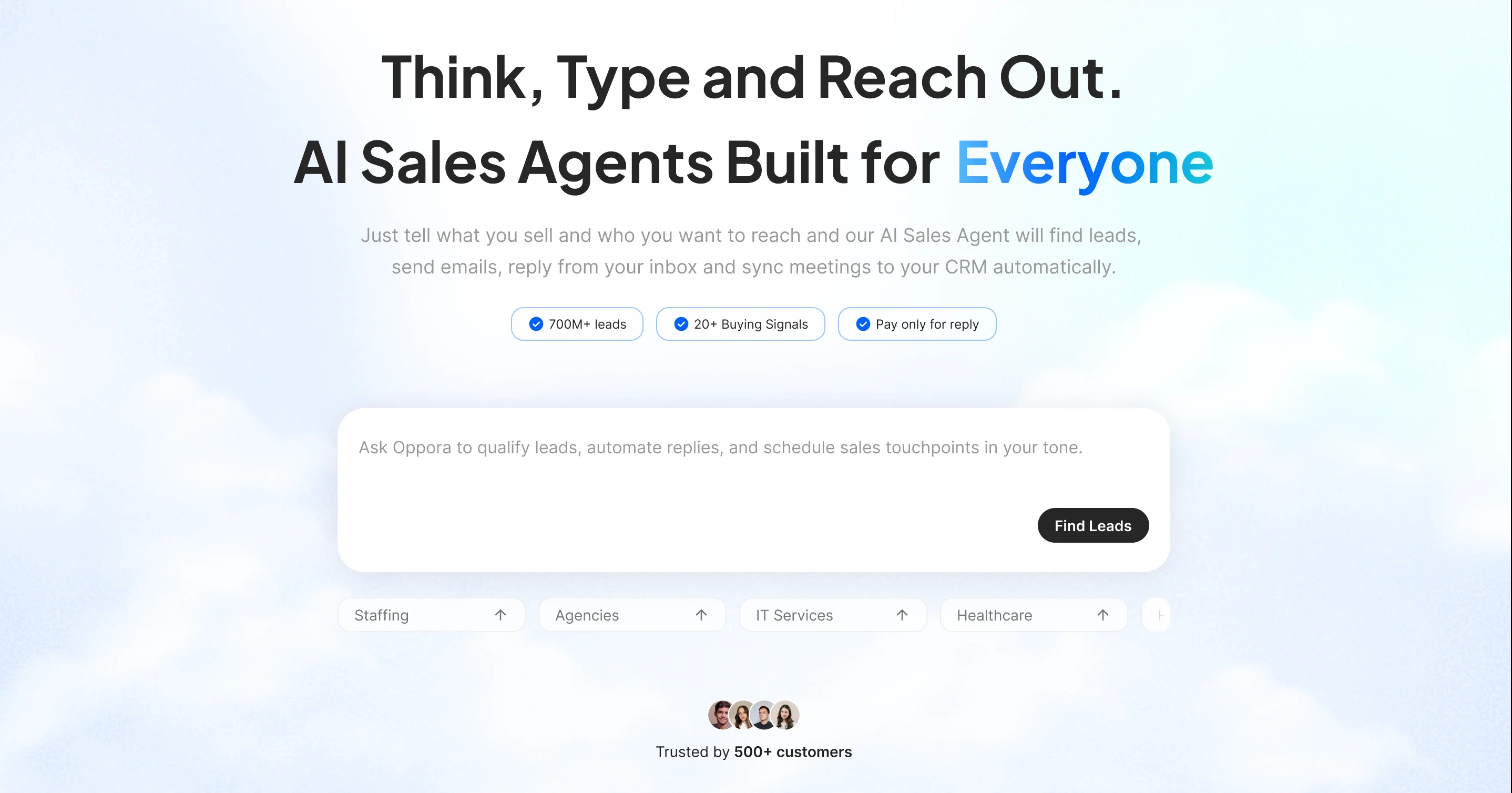
An example: Imagine you own a local landscaping business. An AI tool can scan Facebook groups, Yelp reviews, and Google Maps to find homeowners in your city who just bought a house or recently asked about lawn care. It can then send them a friendly, personalized message—before your competitors even know these leads exist.
Credit: oppora.ai
Key Features To Look For In Ai Prospecting Tools
Not all tools are created equal. Here are the most important features to consider:
- Local Search Filters: Can you target leads by ZIP code, neighborhood, or city?
- Lead Enrichment: Does the tool find contact details, business info, and social profiles?
- Integration: Does it work with your CRM, email, or SMS software?
- Ease of Use: Is the dashboard simple, or do you need technical skills?
- Automation Options: Can it send messages, schedule follow-ups, and track results?
- Compliance: Does it respect privacy laws like GDPR and CAN-SPAM?
A common beginner mistake is choosing a tool with lots of features, but none focused on local targeting. Always check if the platform is truly built for local lead generation, not just general sales.
Best Ai Prospecting Tools For Local Business Leads
Let’s explore the top platforms that help local businesses find high-quality leads. These tools stand out for their effectiveness, ease of use, and focus on local markets.
1. Apollo.io
Apollo.io is a well-known name in sales prospecting. It offers a massive database, advanced AI filters, and smart automation—all wrapped in an easy-to-use interface. What sets Apollo apart for local businesses is its precise geographic targeting. You can narrow leads by city, region, or even specific neighborhoods.
- Key Features:
- Search by location, industry, company size, and more
- Built-in email and LinkedIn outreach
- Lead scoring powered by AI
- Integration with major CRMs (like HubSpot, Salesforce)
- Chrome extension for quick prospecting
Many small business owners love Apollo’s free tier, which offers enough features to get started. For deeper automation and unlimited searches, paid plans are available.
2. Leadfuze
LeadFuze is designed for easy, automated lead generation. Its AI engine, called Fuzebot, finds and verifies contacts within your chosen area.
- Why it’s great for local businesses:
- Hyper-local search filters (ZIP code, city, radius)
- AI verifies emails and removes duplicates
- Automated list building—just set criteria and let it run
- Exports leads to spreadsheets or your CRM
A unique feature: LeadFuze can help you avoid contacting the same leads twice, reducing wasted effort—a detail many beginners overlook.
3. Uplead
UpLead focuses on quality over quantity. All leads are verified in real-time, so you avoid bounces and outdated info. The platform’s local filters help you reach the right audience.
- Standout features:
- 95%+ data accuracy guarantee
- Search by location, industry, company size, and more
- Downloadable lists with emails, phone numbers, and social links
- Chrome extension for prospecting on LinkedIn
UpLead’s data accuracy is a huge plus. Many local businesses struggle with outdated contacts; this tool helps avoid that common pitfall.
4. Seamless.ai
Seamless.AI uses live search and AI to discover new leads as they appear online. This makes it excellent for businesses that want up-to-date, local contacts.
- Key functions:
- Real-time search with local filters
- AI-powered lead suggestions based on your sales history
- Integrates with email and CRM tools
- Built-in dialer for calling leads directly
If you’re in a competitive local industry—like real estate or home services—being first to contact a new lead gives you a big advantage.
5. Cognism
Cognism is known for its compliance and international data, but it’s also strong in local prospecting. Their AI can find direct phone numbers and emails for local decision-makers.
- Top features:
- Local and regional targeting
- GDPR and CCPA compliant
- Intent data shows which leads are “in-market” right now
- Integrates with major CRMs
Many new users miss out on “intent data”—a powerful way to see which local leads are already searching for your service.
6. Lusha
Lusha is simple, fast, and effective. It’s ideal for small teams who want verified contact info without technical complexity.
- Why Lusha works for local leads:
- Chrome extension for LinkedIn and company websites
- Location-based search filters
- Clean, user-friendly dashboard
- Instant lead enrichment (emails, phone numbers, job titles)
Because Lusha is so easy to use, it’s perfect for business owners new to AI prospecting.
7. Salesintel
SalesIntel combines human-verified data with AI automation. This hybrid approach delivers high accuracy, making it a favorite for businesses that can’t afford bad data.
- Features for local prospecting:
- Target by metro area, city, or ZIP code
- 95%+ verified contact accuracy
- Mobile phone numbers and direct dials
- Integrates with most marketing tools
SalesIntel’s human verification is a non-obvious benefit—AI alone isn’t always perfect, so this extra step saves time and frustration.
8. Hunter.io
Hunter.io specializes in finding email addresses quickly. It’s not a full CRM, but it’s powerful for building lists of local business contacts.
- Useful functions:
- Domain search to find company contacts
- Bulk email finder for local business lists
- Email verification to reduce bounces
- Chrome extension for one-click prospecting
A clever tip: Use Hunter to find contacts, then import them into your main outreach tool for follow-up.
9. Zoominfo
ZoomInfo is a heavyweight in the B2B sales world. Its vast database and AI insights are also useful for local business prospecting.
- Why local businesses use ZoomInfo:
- Advanced location-based search
- Company and contact enrichment
- Buyer intent signals (who’s ready to buy now)
- Integration with nearly any CRM or marketing platform
ZoomInfo can be expensive, but for franchises or multi-location businesses, its depth of data is unmatched.
10. Reply.io
Reply.io automates outreach—sending emails, LinkedIn messages, and even SMS—based on AI scoring and segmentation.
- Key local features:
- Multi-channel outreach (email, SMS, LinkedIn)
- Location filters for targeting
- AI writes custom messages
- Tracks replies, schedules follow-ups
Reply. io’s AI writing is surprisingly good. It can adapt your tone for local culture—a subtle but important advantage.
11. Findthatlead
FindThatLead is built for local and global prospecting. Its “Prospector” tool helps you target specific cities or industries.
- Best uses:
- Find leads by location, company, or keywords
- Email verification included
- Campaign builder for sending outreach emails
- Reports and analytics
Beginners sometimes forget to check email deliverability—FindThatLead’s built-in verification helps avoid this problem.
12. Snov.io
Snov.io offers a balance of prospecting, outreach, and tracking. It’s especially popular with agencies serving local clients.
- Features:
- Local and industry filters
- Automated drip campaigns (multi-step emails)
- Email verifier and tracker
- Chrome extension for LinkedIn and company sites
One underused feature: Snov.io’s drip campaigns. These let you follow up automatically, which boosts response rates.
13. Lead411
Lead411 focuses on accurate contact data and “trigger events”—signals that a business might need your service soon.
- Highlights:
- Search by location and industry
- Find decision-makers’ direct lines
- Trigger alerts (new hires, funding, expansion)
- CRM integrations
Trigger events are a goldmine. If you know when a local business hires a new manager or gets funding, you can reach out at the perfect moment.
14. Aeroleads
AeroLeads is simple and affordable, perfect for small businesses just starting with AI prospecting.
- What it offers:
- Location and company-based search
- Bulk lead export to CSV or CRM
- Chrome extension for quick list building
AeroLeads’ affordability means you can try AI prospecting without a big upfront investment.
15. Mailshake
Mailshake isn’t a lead finder, but it’s an excellent tool for automated email outreach. When paired with a lead source, it makes follow-up easy.
- Why use it:
- Personalized, automated email sequences
- Easy A/B testing for different messages
- Built-in analytics and reply tracking
- Works with most prospecting tools
Many local businesses fail at follow-up—Mailshake’s automation ensures you never miss a lead.

Credit: www.youtube.com
Comparing The Top Ai Prospecting Tools
To help you see how these platforms compare, here’s a side-by-side look at core features:
| Tool | Local Filters | Email Verification | CRM Integration | Outreach Automation |
|---|---|---|---|---|
| Apollo.io | Yes | Yes | Yes | Yes |
| LeadFuze | Yes | Yes | Yes | Partial |
| UpLead | Yes | Yes | Yes | No |
| Seamless.AI | Yes | Yes | Yes | No |
| Lusha | Yes | Yes | Yes | No |
| Reply.io | Yes | No | Yes | Yes |
This table highlights a key non-obvious insight: some tools are strong in finding leads, while others shine in outreach automation. For best results, many businesses use two or more tools together.
Real-world Example: Using Ai Prospecting In A Local Business
Imagine you run a plumbing business in Austin, Texas. Here’s how you might use AI tools:
- Use LeadFuze to search for new homeowners in Austin ZIP codes.
- Export those leads to Mailshake to send a friendly “welcome” email introducing your services.
- Use Seamless.AI to find local property managers and real estate agents who might need a reliable plumber.
- Track replies and schedule follow-ups inside your CRM.
Within a week, you could reach hundreds of potential customers, all without cold calling or walking door-to-door.
Credit: salestarget.ai
Data Table: Pricing Comparison For Popular Tools
Here’s a quick look at starting prices (as of 2026), so you can budget wisely:
| Tool | Free Tier | Starting Paid Price (per month) | Main Focus |
|---|---|---|---|
| Apollo.io | Yes | $49 | All-in-one |
| LeadFuze | No | $132 | Lead generation |
| UpLead | No | $74 | Data accuracy |
| Seamless.AI | Yes | $99 | Live search |
| Lusha | Yes | $39 | Contact info |
| Reply.io | No | $60 | Outreach |
| Mailshake | No | $58 | Email automation |
Notice the price variation. Some tools, like Lusha, are more affordable for solo owners. Others, like LeadFuze, may suit agencies or larger teams. Always test with a free trial, if available.
Non-obvious Tips For Success With Ai Prospecting
Many new users make simple mistakes that reduce results. Here’s how to avoid them and get more value:
- Start small, then scale. Don’t buy the biggest plan right away. Test with a small list, see what works, then expand.
- Clean your data regularly. AI tools are powerful, but contact info changes often. Verify and update your lead lists each month.
- Mix automation with personal touch. Automated emails save time, but a quick personal follow-up (call or handwritten note) can double response rates.
- Monitor compliance. AI can find thousands of leads, but always follow privacy laws. Use opt-out options in your emails and check local regulations.
- Train your team. AI tools are easy, but a bit of training helps staff spot errors and personalize messages.
An insight many overlook: AI prospecting is not “set and forget.” The best results come from regular tweaking—adjusting filters, updating templates, and tracking which messages get replies.
How To Choose The Right Ai Prospecting Tool For Your Local Business
With so many choices, picking the right platform can feel daunting. Here’s a simple process:
- Define your ideal local lead. What city, ZIP code, or industry are you targeting?
- Set a clear budget. Decide what you can spend each month, including the cost of outreach tools.
- List must-have features. Do you need email automation, CRM integration, or just verified contacts?
- Test 2–3 tools. Use free trials or demos to see which interface feels best.
- Check support and training. Good customer support makes a big difference, especially when starting out.
Remember, the “best” tool is the one you’ll actually use. It doesn’t need every feature—just the ones that help you connect with local leads efficiently.
Future Trends In Ai Prospecting For Local Businesses
AI prospecting is evolving fast. Here are a few trends shaping the future:
- Hyper-local targeting: Soon, AI tools will use geofencing and real-time mobile data to spot leads literally around the corner.
- Deeper personalization: AI will write messages that sound more human, using local slang or references.
- Voice and chat integration: Expect prospecting tools to work with voice assistants or WhatsApp, reaching leads on their favorite platforms.
- Ethical AI: With privacy laws tightening, tools will focus more on compliance and giving users control over their data.
Staying current with these trends can give your business a big advantage over slower-moving competitors.
Frequently Asked Questions
What Is The Difference Between Ai Prospecting And Traditional Lead Generation?
AI prospecting uses smart algorithms and big data to find and qualify leads automatically. Traditional methods rely on manual research, cold calling, or word of mouth. AI tools are faster, more accurate, and let you focus on leads most likely to become customers.
Are Ai Prospecting Tools Expensive For Small Businesses?
Prices vary widely. Some tools, like Lusha or AeroLeads, start under $50 per month. Others, like ZoomInfo, can cost several hundred dollars. Most platforms offer free trials or basic plans, so you can test before committing.
Can Ai Prospecting Tools Integrate With My Existing Crm?
Most modern AI prospecting tools offer CRM integration. This lets you send leads directly to your sales or marketing system, track interactions, and manage follow-ups. Check the tool’s support docs or ask their sales team to confirm compatibility.
How Accurate Are The Leads From Ai Prospecting Tools?
Accuracy depends on the tool and its data sources. Platforms like UpLead and SalesIntel promise 95%+ accuracy through real-time verification and human checks. Always verify a few leads yourself before sending large campaigns.
What Are The Risks Of Using Ai For Prospecting?
The biggest risks are bad data (outdated info), compliance issues (privacy laws), and over-automation (messages that feel spammy). To reduce risk, choose tools that verify data, follow email laws, and let you customize outreach. For more on compliance, see the FTC’s CAN-SPAM guide.
Finding new customers doesn’t have to be guesswork. With the right AI prospecting tool, your local business can reach more leads, faster—and grow, even in tough markets. Start small, learn what works, and let modern technology do the heavy lifting, so you can focus on serving your community.


About author









Add comment