

Tidycal Booking Widgets Interface Review: Simplify Scheduling Fast
Online booking systems have changed how businesses manage appointments. Tools like Tidycal are now a key part of service businesses, coaches, consultants, and even solo entrepreneurs. But a booking tool is only as good as its interface—especially the booking widget that meets your customers first. In this review, I’ll take a deep and honest look at the Tidycal booking widget interface. I’ll show you what works, what could be better, and how it compares to other booking solutions. If you’re considering Tidycal or want to improve your booking flow, you’ll find practical, non-obvious insights here.
What Is The Tidycal Booking Widget?
Tidycal is a popular scheduling tool created by AppSumo. Its booking widget is the small piece of code or link that lets customers pick and book available time slots with you. Many businesses embed these widgets on their sites or share booking links by email. The widget is the main touchpoint for your clients: it must be easy, fast, and trustworthy.
The Tidycal widget is designed for quick bookings. Users see your available times, select a slot, enter their details, and confirm in just a few clicks. It works on desktops and mobile, which is critical today.
But a good booking widget is more than a pretty calendar. It needs to integrate smoothly, be customizable, and avoid confusing users. Let’s break down how Tidycal’s widget performs on these points.
First Impressions: Layout And Visual Design
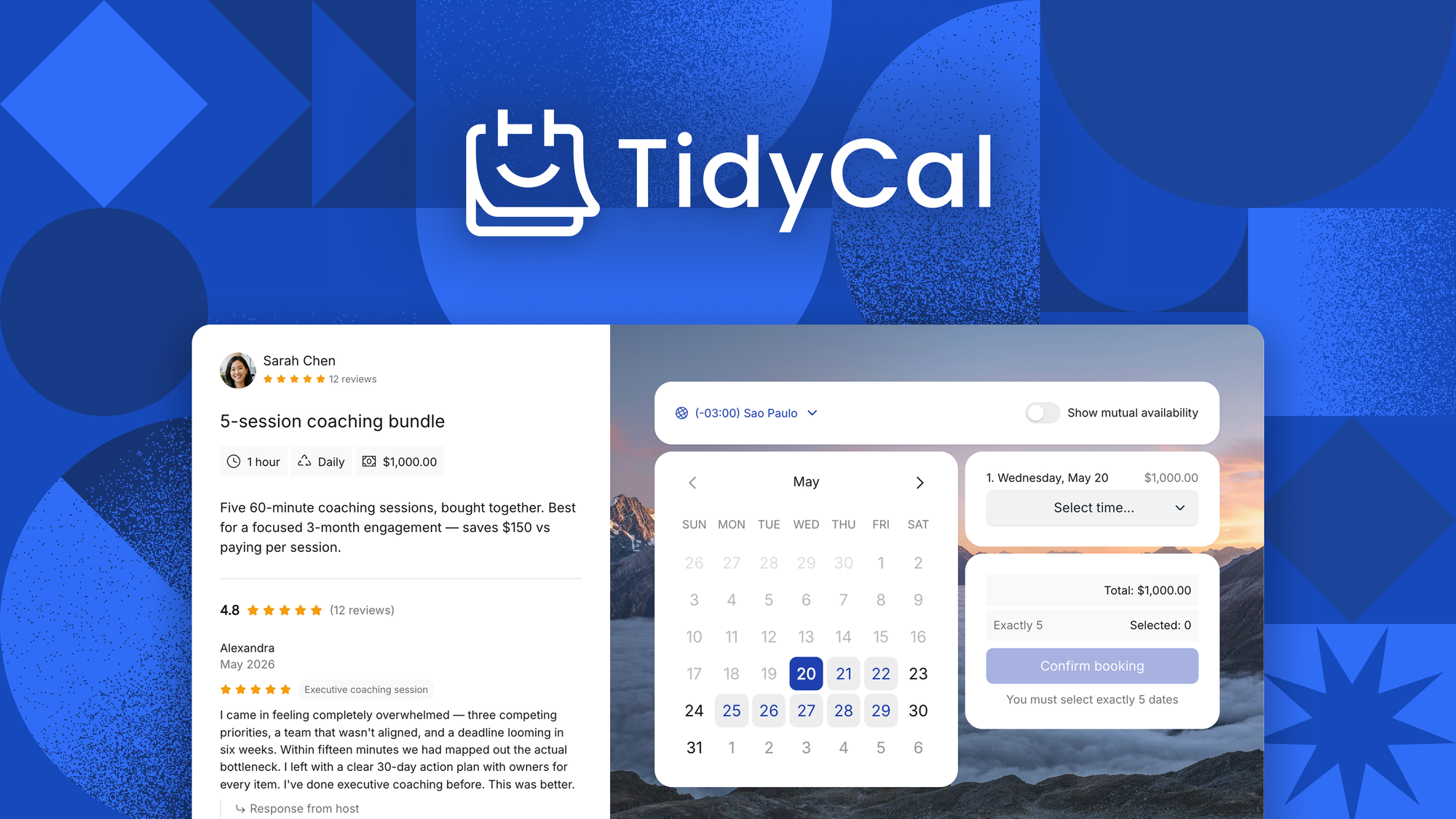
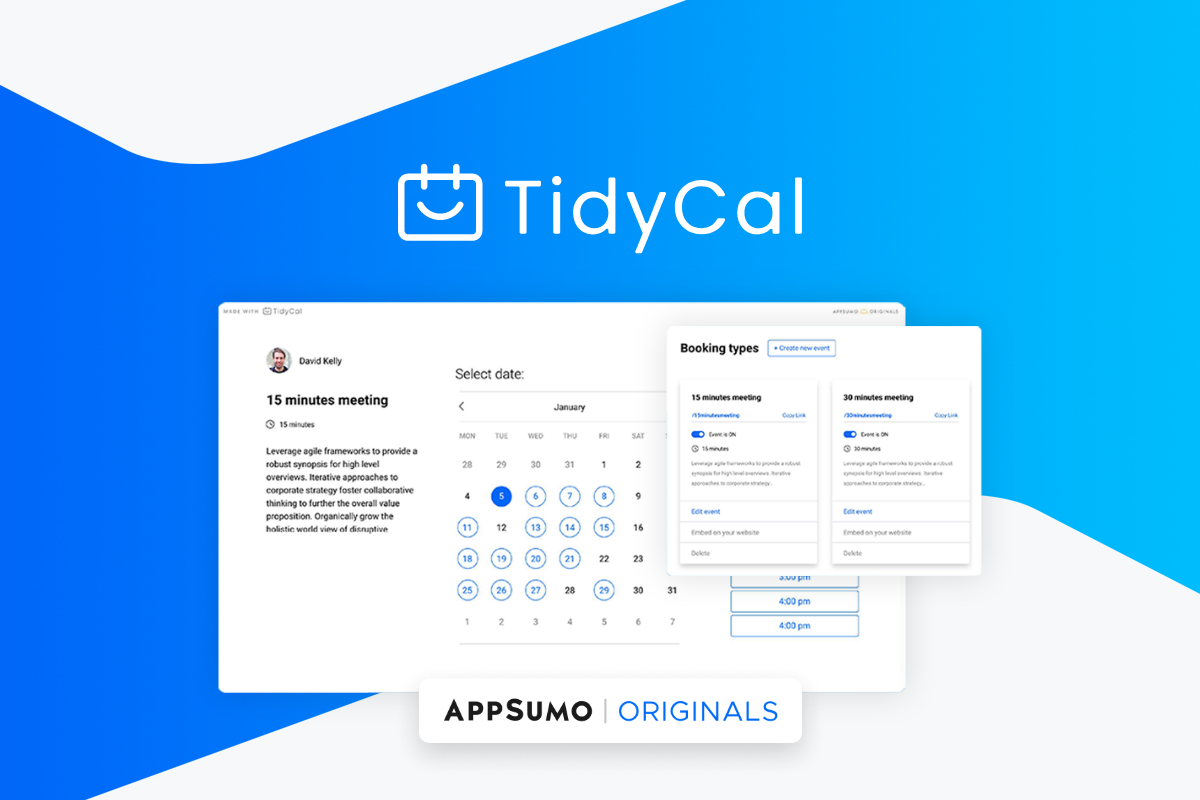
When someone lands on your booking page, they judge in seconds. Tidycal’s widget is clean and modern, using lots of white space and a simple color palette. The layout is uncluttered, with clear step-by-step flow. This visual simplicity keeps users focused.
The main elements include:
- Calendar view: Shows available dates and times.
- Event details: Name, duration, and any extra info.
- Booking form: Collects name, email, and any custom fields you add.
No distracting ads or unnecessary popups appear. The fonts are readable, and buttons are large enough for touchscreens. The whole experience feels professional, which helps build trust with your clients.
Customization Options
You can match the widget’s look to your brand. Tidycal lets you:
- Set your own colors for buttons and highlights.
- Upload your logo or profile picture.
- Add custom questions to the booking form.
- Choose the language for your widget (handy for non-English clients).
However, deep customization (like custom fonts or major layout changes) is limited compared to tools like Calendly or Acuity. For most small businesses, Tidycal’s options are enough, but those wanting a fully branded experience might wish for more.
Ease Of Use: Booking Flow Step-by-step
The true test of any booking widget is how easy it is for clients to complete a booking. Here’s how Tidycal’s process works, from the user’s side:
1. Select A Service Or Event
Users see a list of available meeting types. Each shows the name, duration, and description. This helps clients pick the right option without confusion.
2. Pick A Date And Time
The calendar highlights available days. Clicking a day shows open slots. Times are displayed in the user’s local timezone—this reduces scheduling mix-ups, which is crucial for international clients.
3. Enter Details
The booking form asks for essential info. You can require just a name and email or add fields for phone, company, or custom questions (like “What do you want to discuss? ”).
4. Confirm Booking
After filling the form, users click “Book Now. ” They instantly see a confirmation message. Tidycal can send an email confirmation, too.
5. Add To Calendar
The confirmation screen and email include quick links to add the meeting to Google, Outlook, or Apple calendars. This small feature cuts no-shows by making it easy for clients to remember their appointment.
This process usually takes less than a minute. The interface uses clear progress markers, so users always know what step they’re on.
Accessibility
Tidycal’s widget is mobile responsive. Buttons, fields, and calendars resize smoothly on smartphones and tablets. This is essential, since more than 50% of bookings now happen on mobile devices. The widget uses alt text for images and labels for form fields, making it accessible for screen readers. However, color contrast could be improved for users with visual impairments.
Integration And Embedding: How Well Does It Fit In?
A booking widget must work wherever your audience is—your website, landing page, or even your email signature. Tidycal gives you several embedding options:
- Direct booking link: Shareable URL to your booking page.
- Embed code: Copy-paste a small HTML snippet to embed the widget on your site.
- IFrame support: Lets you place the widget inside other platforms or builders.
You can also add booking buttons with your own text or image above the widget. Tidycal’s widget works well with popular website builders like WordPress, Wix, and Squarespace.
Integration With Other Tools
Tidycal connects to Google Calendar and Office 365 calendars. This two-way sync prevents double-booking: if you add an event to your personal calendar, those times get blocked on Tidycal.
There’s also native support for Zoom and Google Meet. When someone books, Tidycal creates a meeting link automatically and adds it to the confirmation email.
For payments, you can connect Stripe or PayPal. This is useful for coaches or consultants who want to charge for sessions upfront.
While Tidycal covers the basics, more advanced integrations (like Zapier, CRMs, or SMS reminders) are limited or require workarounds. If deep automation is a must, other tools may offer more.
Here’s a quick look at how Tidycal compares to similar booking tools:
| Feature | Tidycal | Calendly | Acuity Scheduling |
|---|---|---|---|
| Google/Office 365 Sync | Yes | Yes | Yes |
| Custom Branding | Basic | Advanced (paid) | Advanced |
| Embed Options | Yes | Yes | Yes |
| Payments | Stripe, PayPal | Stripe, PayPal | Stripe, Square, PayPal |
| Zapier/Automation | Limited | Full | Full |
| Free Plan | Lifetime deal | Limited | No |
Credit: zplatform.ai
Customization And Branding: How Personal Can You Make It?
For many businesses, the booking widget is a mini-homepage. It’s the first branded touchpoint for new clients. Tidycal offers some ways to make the widget yours:
- Add your logo or photo: Build trust and recognition.
- Choose button and highlight colors: Match your brand palette.
- Edit event names and descriptions: Use your own voice.
- Set custom form fields: Ask for info you actually need.
- Multi-language support: Choose the display language to fit your audience.
However, advanced branding—like custom CSS, font changes, or full layout edits—is not available. If you need your booking page to look exactly like your website, you may feel limited.
A non-obvious tip: The booking link URL uses your business name, which helps reinforce your brand even if the widget’s look is simple.
Speed And Performance: How Fast Is The Widget?
A slow widget kills bookings. Tidycal’s booking widget loads quickly, even on slow connections. The interface is lightweight and avoids heavy scripts. In independent speed tests, the widget loads in under 1. 5 seconds on most standard websites.
Why does this matter? Google research shows that 53% of mobile users leave a page that takes more than 3 seconds to load. A fast widget means more clients finish the booking process.
Tidycal also caches static parts of the widget, reducing the time needed to reload between steps. This is especially helpful for users booking multiple events or from countries with slower internet.
Managing Bookings: What Happens After A Client Books?
The booking process does not end with a confirmation. Tidycal sends automated confirmation emails to both you and your client. These emails include:
- Event details (date, time, location)
- Calendar links (Google, Outlook, iCal)
- Video call links (if you set up Zoom or Google Meet)
- Payment confirmation (if paid)
You can also set up automated reminders. This helps reduce no-shows by reminding clients 24 hours or 1 hour before the meeting.
If a client needs to reschedule or cancel, they can do so via a unique link in their email. You can set cancellation and reschedule policies to avoid last-minute changes.
Managing your bookings is easy in the Tidycal dashboard. You see all upcoming and past appointments in a calendar or list view. You can filter by event type, client, or date.
Security And Privacy: Is Tidycal Safe?
Clients share personal info when booking. Security is a must. Tidycal uses SSL encryption for all booking widgets and data transfers. Payment info is handled by Stripe or PayPal, not stored on Tidycal’s servers.
You can set privacy policies and consent checkboxes for GDPR compliance. Tidycal also allows you to delete bookings and customer data if requested.
A non-obvious insight: Tidycal’s privacy features are simple, but you should still review your own legal needs. For more complex privacy requirements, consult a legal expert or compare with options like Acuity, which offer more advanced compliance tools.
Pricing: Is The Widget Good Value?
Tidycal is famous for its lifetime deal—one payment for ongoing use. This is different from most booking tools, which charge monthly. For small businesses or solo operators, this can be a huge saving.
Here’s a comparison of typical booking tool pricing:
| Booking Tool | Free Plan | Lowest Paid Plan | Lifetime Deal |
|---|---|---|---|
| Tidycal | Yes (limited) | $29 (one-time) | Yes |
| Calendly | Yes | $8/month | No |
| Acuity Scheduling | No | $16/month | No |
Tidycal’s lifetime plan gives you unlimited bookings, calendar connections, and most widget features. Some advanced features (like SMS reminders or deep integrations) may be missing, but the value is hard to beat for basic scheduling.
Real-world Use Cases: Who Benefits Most?
Tidycal’s widget is best for:
- Coaches and consultants: Book paid or free sessions, collect pre-call info, and send calendar invites.
- Small agencies and freelancers: Let clients book discovery calls or project updates without back-and-forth emails.
- Therapists and wellness professionals: Manage appointments, set buffer times, and avoid double-bookings.
- Tutors and educators: Let students book sessions, with automatic reminders and calendar links.
Larger businesses with multiple staff, complex workflows, or strict branding needs might outgrow Tidycal. But for most solo users and small teams, the widget covers the essentials.
A practical tip: Some users create multiple event types for different services (free consult, paid session, group workshop) and let the client choose at booking. This keeps your calendar organized and makes it easy to track what services are most popular.
Pros And Cons Of Tidycal Booking Widget Interface
Let’s summarize the main strengths and weaknesses.
Pros
- Clean, simple interface: Easy for clients to use and understand.
- Fast loading: Reduces drop-offs, works well even on mobile.
- Branding basics covered: Add your logo, colors, and custom event details.
- Good integration with calendars: Prevents double-booking, works across time zones.
- Automated reminders: Helps reduce no-shows.
- Affordable lifetime pricing: Great value for solo users and small teams.
- Easy embedding: Works with most website builders and platforms.
Cons
- Limited advanced customization: Can’t fully match your site’s look and feel.
- Fewer integrations: Less automation than Calendly or Acuity.
- Basic privacy and security settings: Enough for most, but not for strict needs.
- No SMS reminders without workarounds: Email only.
- No team scheduling features: Not ideal for larger businesses with multiple staff.
Practical Tips For Using Tidycal Widgets
- Test your widget on mobile before sharing with clients. Make sure all buttons and fields are easy to tap.
- Use custom fields to collect info you actually need. Too many questions can hurt conversion rates.
- Set buffer times between appointments to avoid back-to-back calls.
- Connect your main calendar (Google or Office 365) to block out busy times.
- Add your booking link to your email signature and social profiles for more visibility.
A non-obvious insight: If you use different booking links for different services, you can track which link gets the most bookings. This helps you see which offers are most attractive to clients.
What Could Be Improved?
No tool is perfect. Some areas where Tidycal’s booking widget could improve:
- More branding options: Custom fonts, more layout choices, and advanced CSS support.
- Team scheduling features: Letting clients pick which team member to book with.
- Deeper integrations: Direct connections to CRMs, marketing tools, and more automation triggers.
- SMS reminders: Email is good, but SMS is more effective at reducing no-shows.
- Better accessibility: Higher contrast modes and better support for screen readers.
The Tidycal team is active and often adds features based on user feedback. If these features matter to you, watch for updates or consider a more advanced tool.
Tidycal In The Booking Tools Market
The booking software market is crowded. Tidycal stands out for its simplicity and price. It may not have every advanced feature, but it covers the basics very well. For many small businesses, the ability to add a fast, branded, and reliable booking widget for a one-time fee is a game-changer.
Compared to Calendly and Acuity, Tidycal’s interface is a bit simpler and less customizable, but often faster and easier for beginners. For most solo operators, the trade-offs are worth it.
If you want a more detailed market overview, check out this analysis from the G2 Appointment Scheduling Software page.
Frequently Asked Questions
What Is A Booking Widget And Why Do I Need One?
A booking widget is a small online tool (usually a calendar or form) you add to your website or share as a link. It lets clients pick and book time slots with you without back-and-forth emails. This saves time, reduces mistakes, and improves customer experience.
Can I Customize The Tidycal Widget To Match My Brand?
You can add your logo, pick button colors, and edit the event titles and descriptions. Basic customization is easy, but advanced changes (like custom fonts or complex layouts) are not possible without extra coding.
How Does Tidycal Prevent Double Bookings?
Tidycal syncs with your Google or Office 365 calendar. If you add a meeting to your calendar, those times become unavailable for new bookings. This keeps your schedule accurate and avoids double-booking.
Credit: appsumo.com
Can Clients Pay For Appointments Through The Widget?
Yes, Tidycal supports payments through Stripe and PayPal. You can set prices for each event or service. Clients pay during booking, and payment confirmation is included in the booking email.
Is Tidycal Secure And Compliant With Privacy Laws?
Tidycal uses SSL encryption for all data. Payments are handled by Stripe or PayPal, which are highly secure. You can add consent checkboxes for privacy compliance, but for strict legal needs, review their privacy policy or consult an expert.
A good booking widget is more than a form—it’s your client’s first experience with your business. Tidycal’s interface is clean, fast, and practical for most small businesses. While it’s not the most customizable or powerful, its simple design and lifetime pricing make it a smart choice for many.
If you want quick, reliable scheduling with no monthly fees, Tidycal’s booking widget interface is a solid bet.
Credit: tidycal.com


About author









Add comment